Pay rates & invoices
Assign billable and cost rates, and turn tracked time into invoices and project profitability insights.
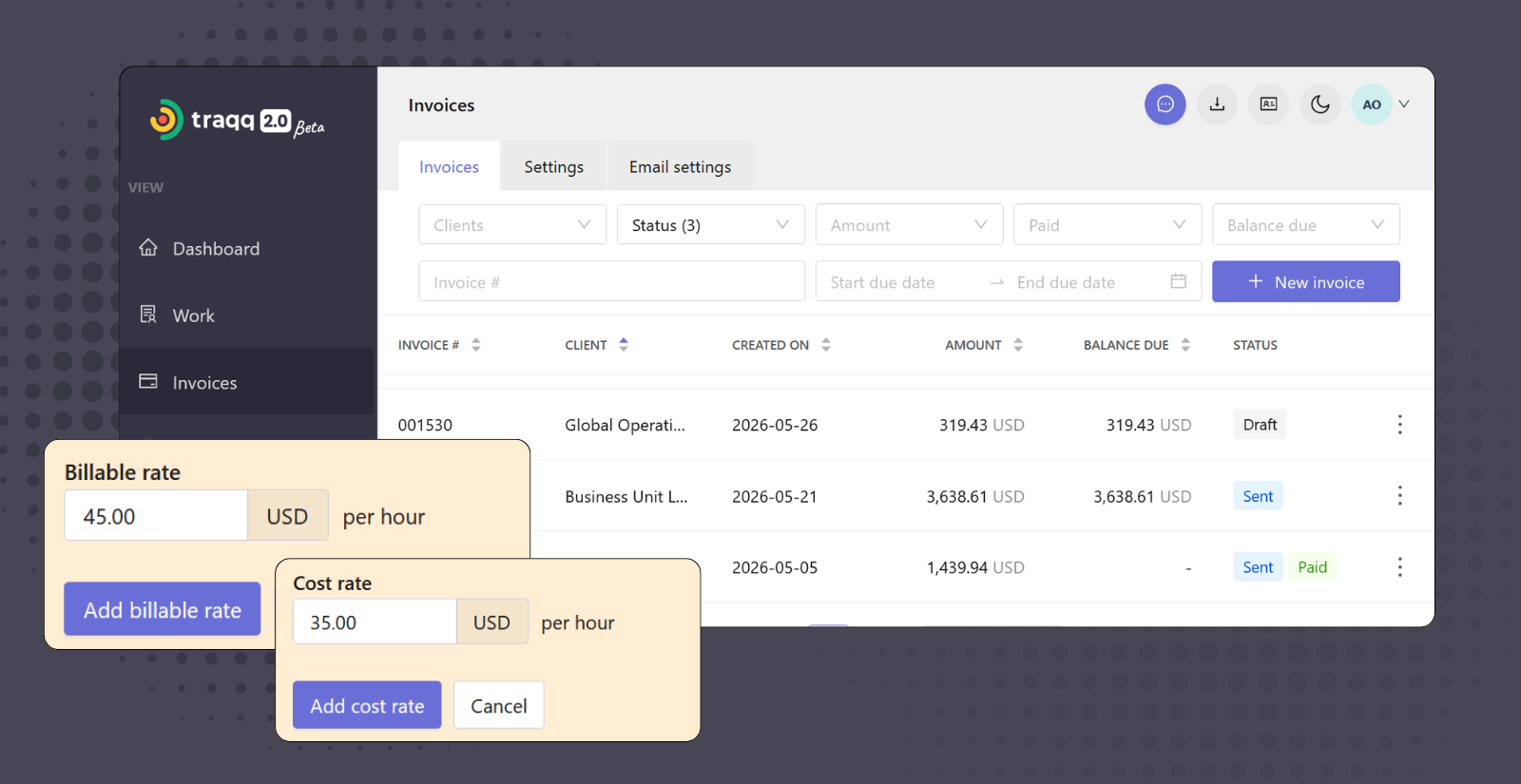
Financial management built on tracked time
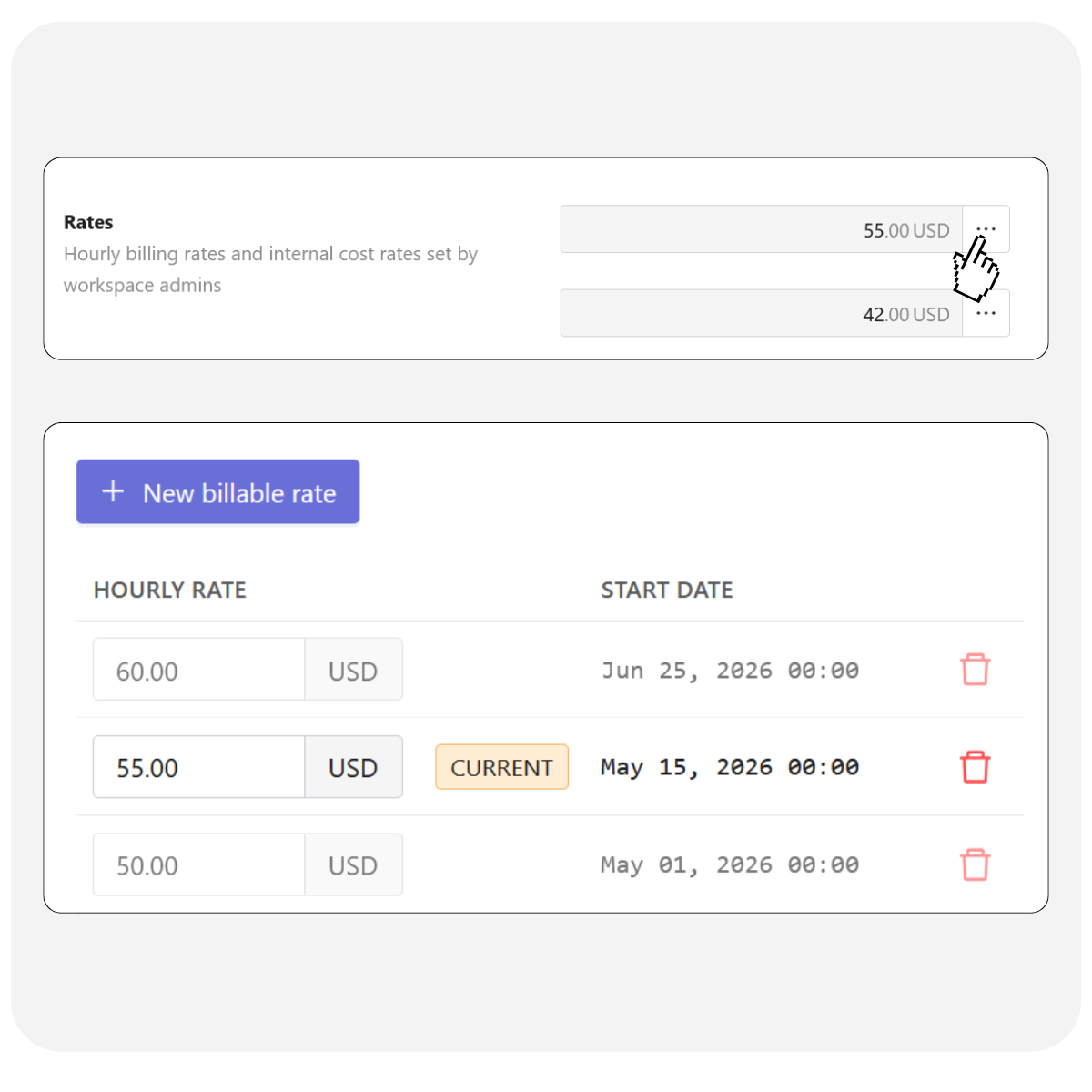
Flexible rates
- Workspace, personal, and project rates
Set default rates or customize them for individual people or projects. - Automatic rate hierarchy
Apply the right rate automatically. Project rates override personal rates, while personal rates override workspace defaults. - Future and historical rates
Schedule future rates and review current and past rates in one place.
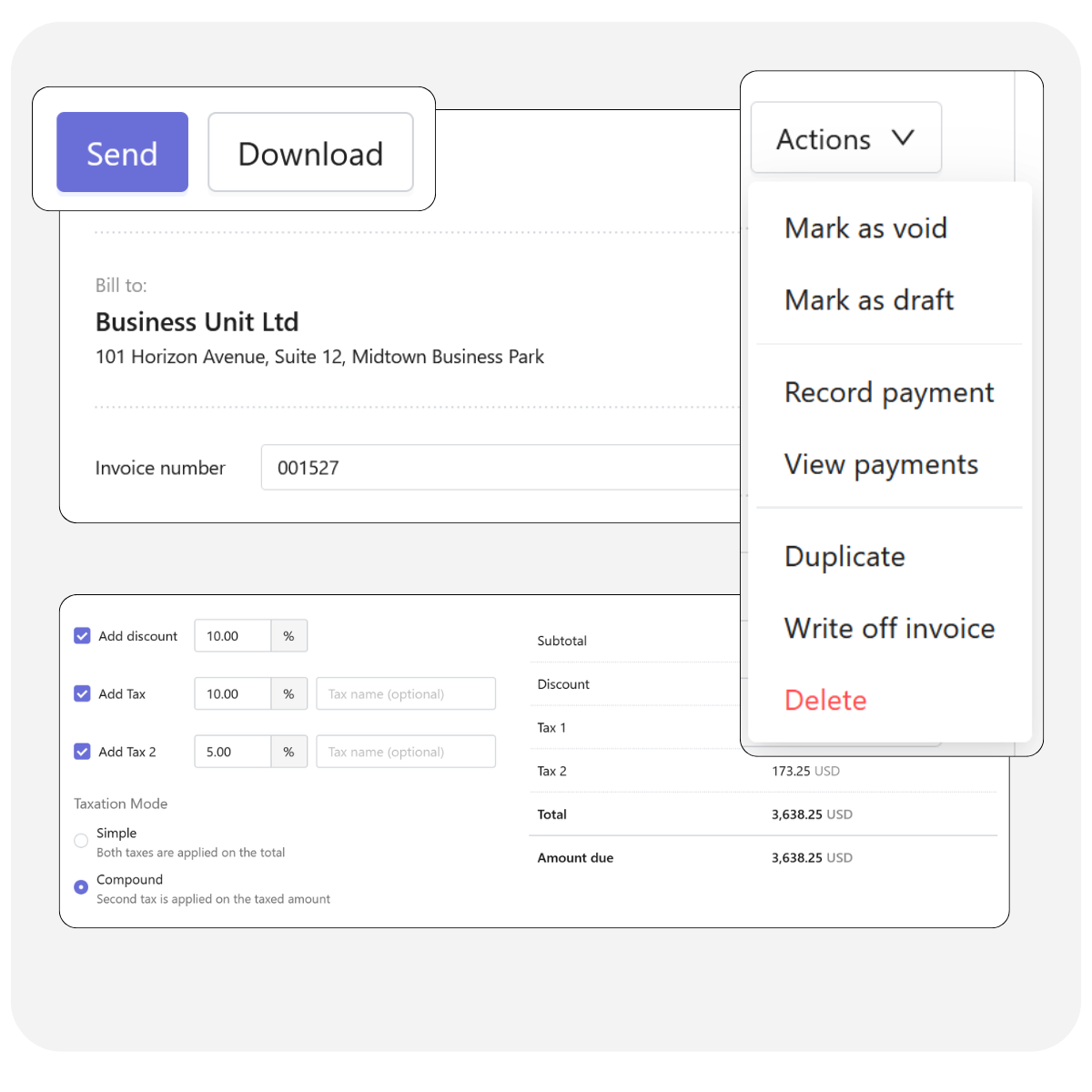
Turn tracked work into invoices
- Import tracked time
Add billable time and expenses to invoices in a few clicks. - Automatic billing calculations
Invoice amounts are calculated from tracked hours and assigned rates. Taxes and discounts remain fully configurable. - Track invoice status
Manage invoices from draft to paid, record payments, monitor balances, and download invoices as PDFs. - Send invoices to clients
Send invoices directly from Traqq using customizable email templates. Set up reminder emails for overdue invoices.
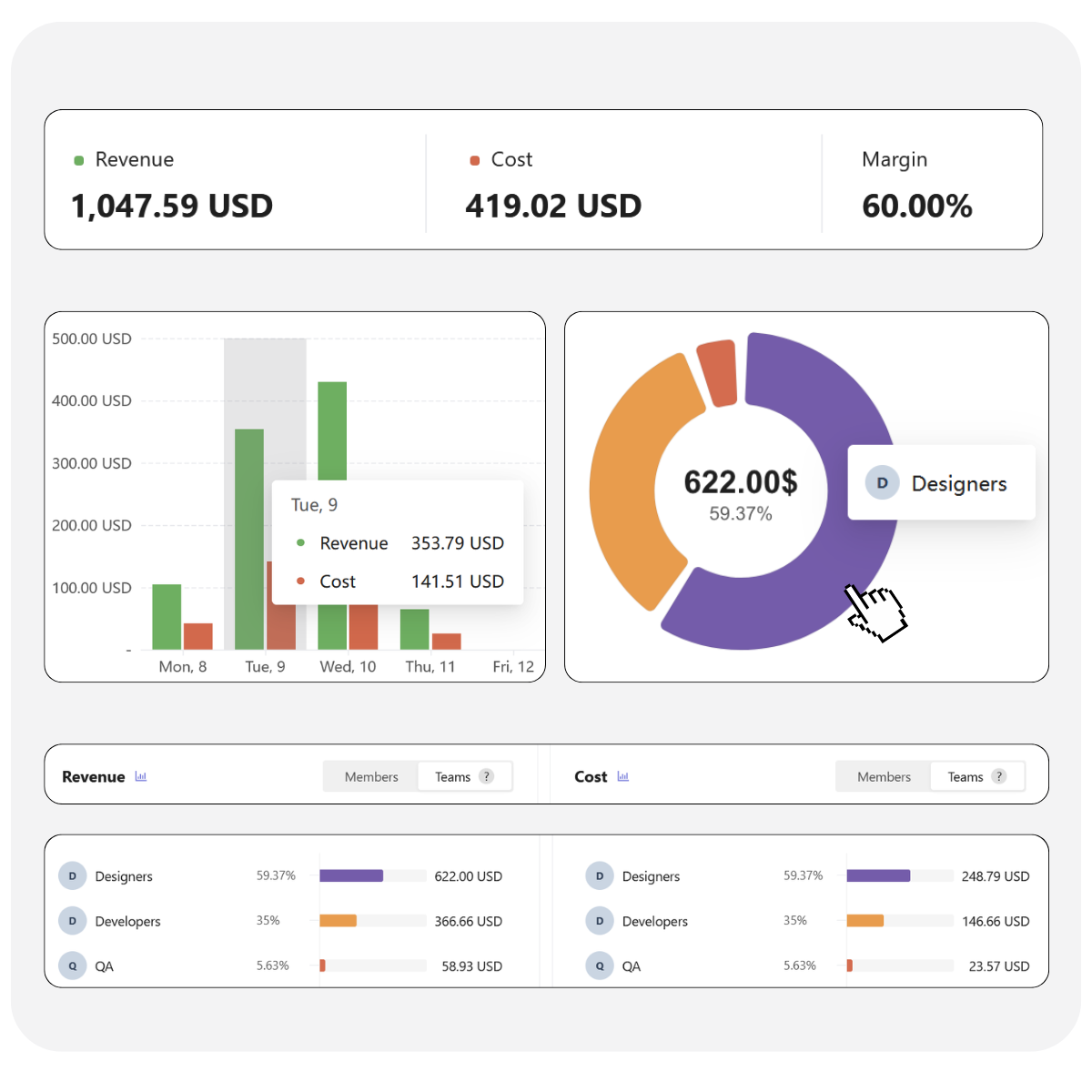
Understand project profitability
- Track costs and revenue
Calculate labor costs, billable revenue, and margins automatically from tracked time. - Analyze financial performance
Compare financial results across projects, teams, clients, and users. - Drill down into financial data
Move from project summaries to individual time entries with associated revenue and costs.
Built for billing and financial reporting
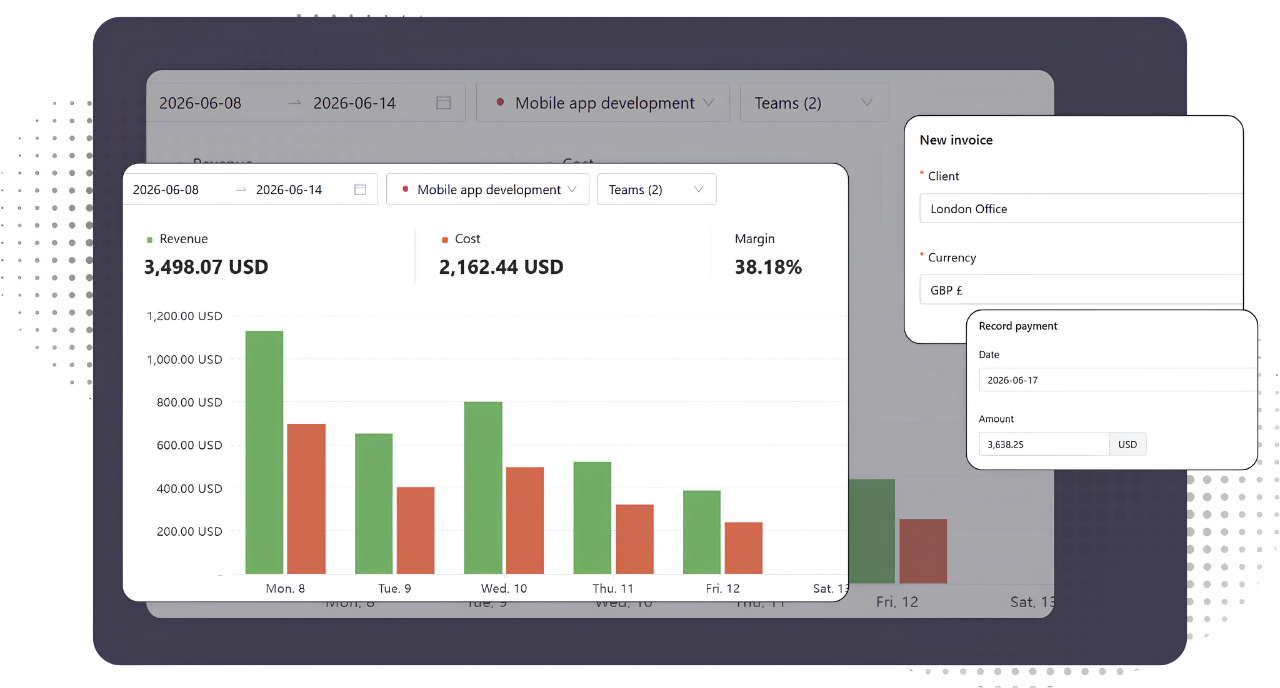
Tracked time automatically becomes financial records. Billable hours turn into invoice items, assigned rates calculate costs and revenue, recorded payments update invoice balances, and reports always reflect the latest project performance. Everything stays connected without spreadsheets, duplicate data entry, or manual reconciliation.
FAQ
How does Traqq choose which rate to use?
Traqq applies project rates first, then personal rates, and finally workspace default rates if no other rate is available.
How do I create an invoice?
Create an invoice by importing tracked billable time and expenses. Traqq automatically converts them into invoice items using assigned rates. You can add taxes and discounts globally or adjust them per invoice.
Who can view financial data?
Financial data is controlled by role-based permissions. Only Owners and Admins can access financial data such as rates, invoices, revenue, and costs. Managers can view time tracking and compliance data for their assigned teams and projects, while Users can only access their own data.
Do financial reports update automatically?
Yes. Reports always reflect the latest tracked time using assigned rates for calculations.
Can I use different currencies?
Yes. You can set a default currency at the workspace level and assign different currencies for individual clients.