Flexible time tracking
for real work
Capture time across all types of work through timer mode, manual entries, and break tracking, turning every work session into structured time data.
Why choose Traqq’s smart time tracking?
Track time from the web app, desktop apps, or browser extension with the same experience across platforms.
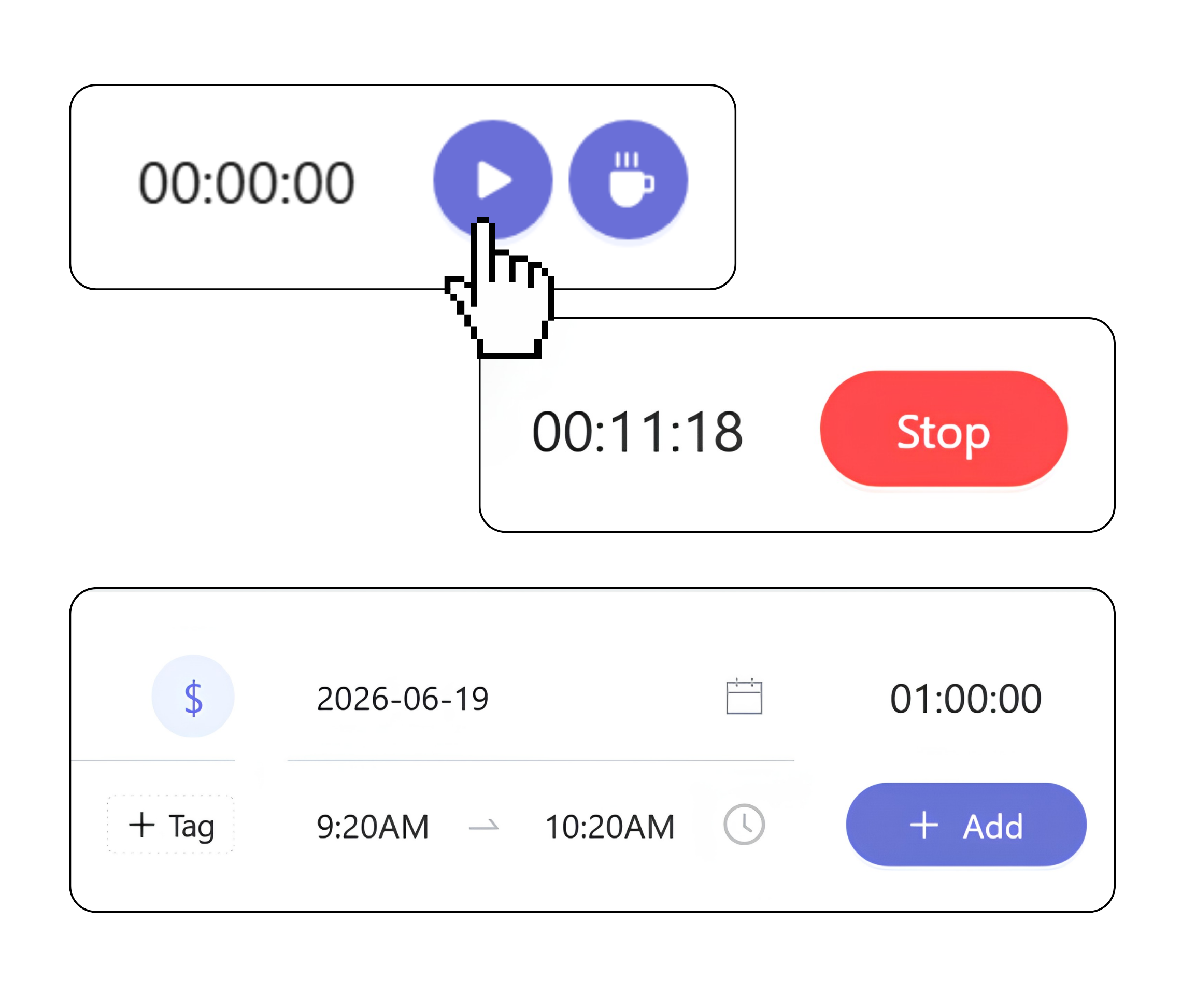
Full control over time entries
- Switch tracking modes
Move between timer mode, manual entry, and break mode as work changes throughout the day. - Edit time without breaking structure
Fix mistakes, update projects, tasks, tags, billable status, or split entries after they are created. - Billable and non-billable time
Mark entries as billable or non-billable for reporting, invoicing, and profitability analysis. - Offline time tracking
Work without an internet connection. Time entries sync automatically once you are back online.
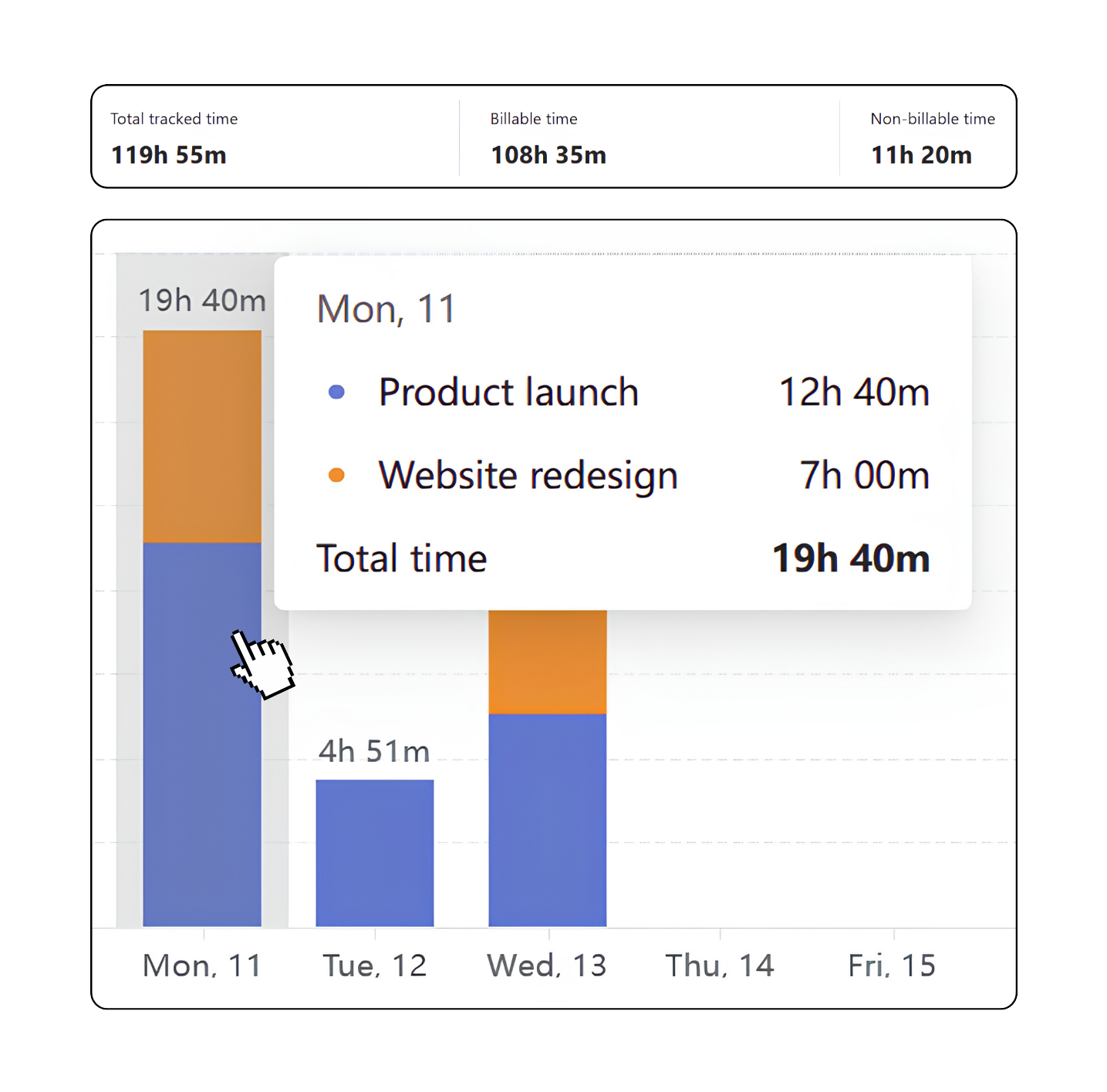
Build visibility from recorded time
- Connect time to work
Link every time entry to projects, tasks, billable status, and tags to keep work organized and traceable. - Reports and dashboards
Analyze recorded time across projects, teams, clients, and people. - Drill down into the details
Move from high-level summaries to individual projects, tasks, and time entries using filters and grouping options.
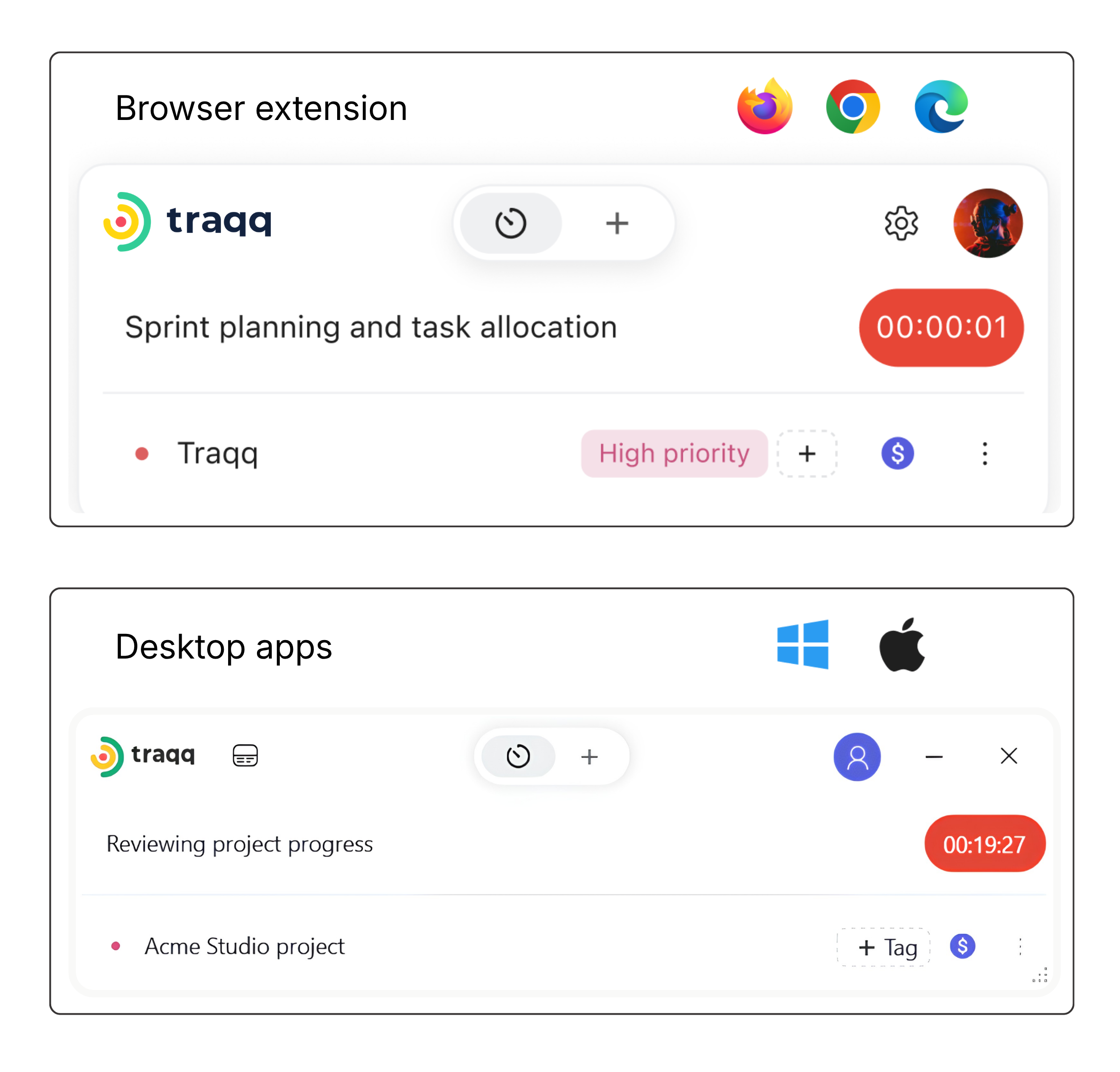
Track time where work happens
- Web, desktop, or browser
Track time from the web app, desktop apps for Windows and macOS, or the browser extension. - Stay in sync across every app
Start tracking in one app and continue in another. Timers and time entries stay in sync across web, desktop, and browser. - Track directly from your tools
Start timers from Jira, Asana, Trello, Slack, Figma, GitHub, and other supported apps with the browser extension.
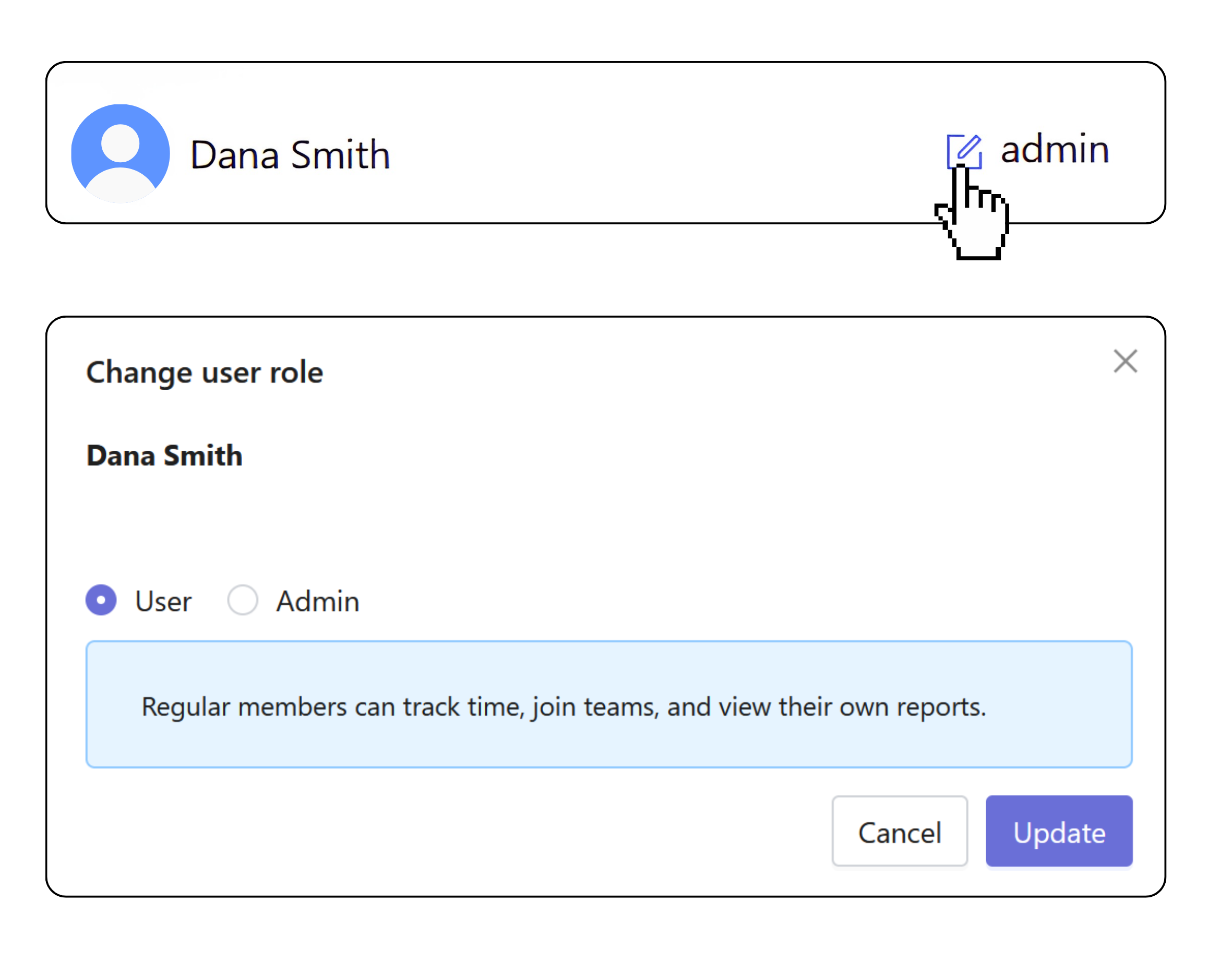
Privacy-first by design
- No activity monitoring
No screenshots, activity scores, idle time detection, or app and website usage tracking. - Transparent time tracking
People can see exactly what time data is being recorded. There is no hidden monitoring available only to managers. - Role-based access
Control who can access project, reporting, and financial data. Sensitive information stays visible only to authorized roles.
Learn more about ethical time tracking →
Desktop apps for smarter tracking
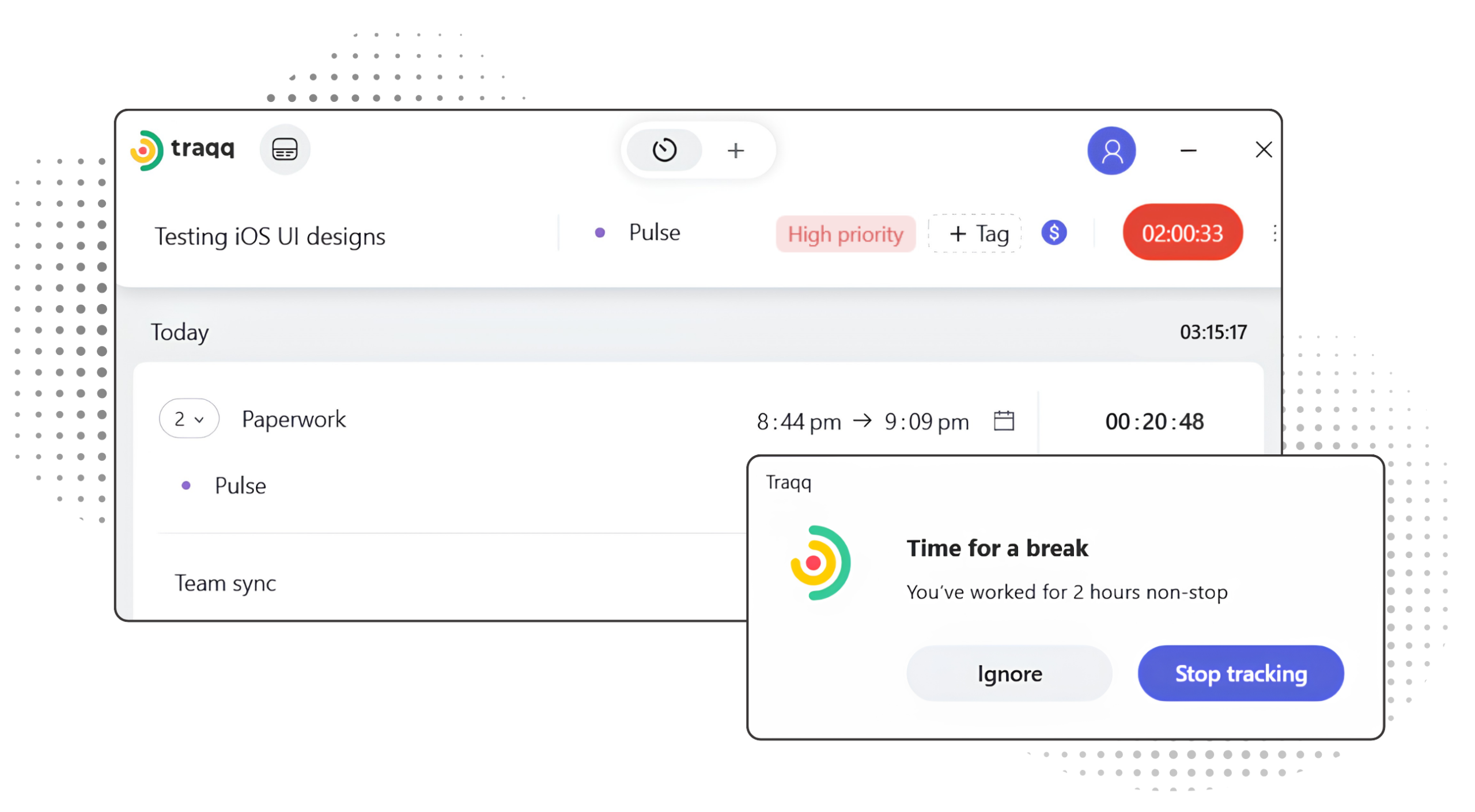
Track time directly from Windows and macOS with features that automate time tracking. Smart time tracking pauses and resumes your timer based on the non-work apps you choose. Notifications keep you aware of tracked time, while break reminders help maintain a healthier work rhythm.
Time tracking that powers the rest of your workspace
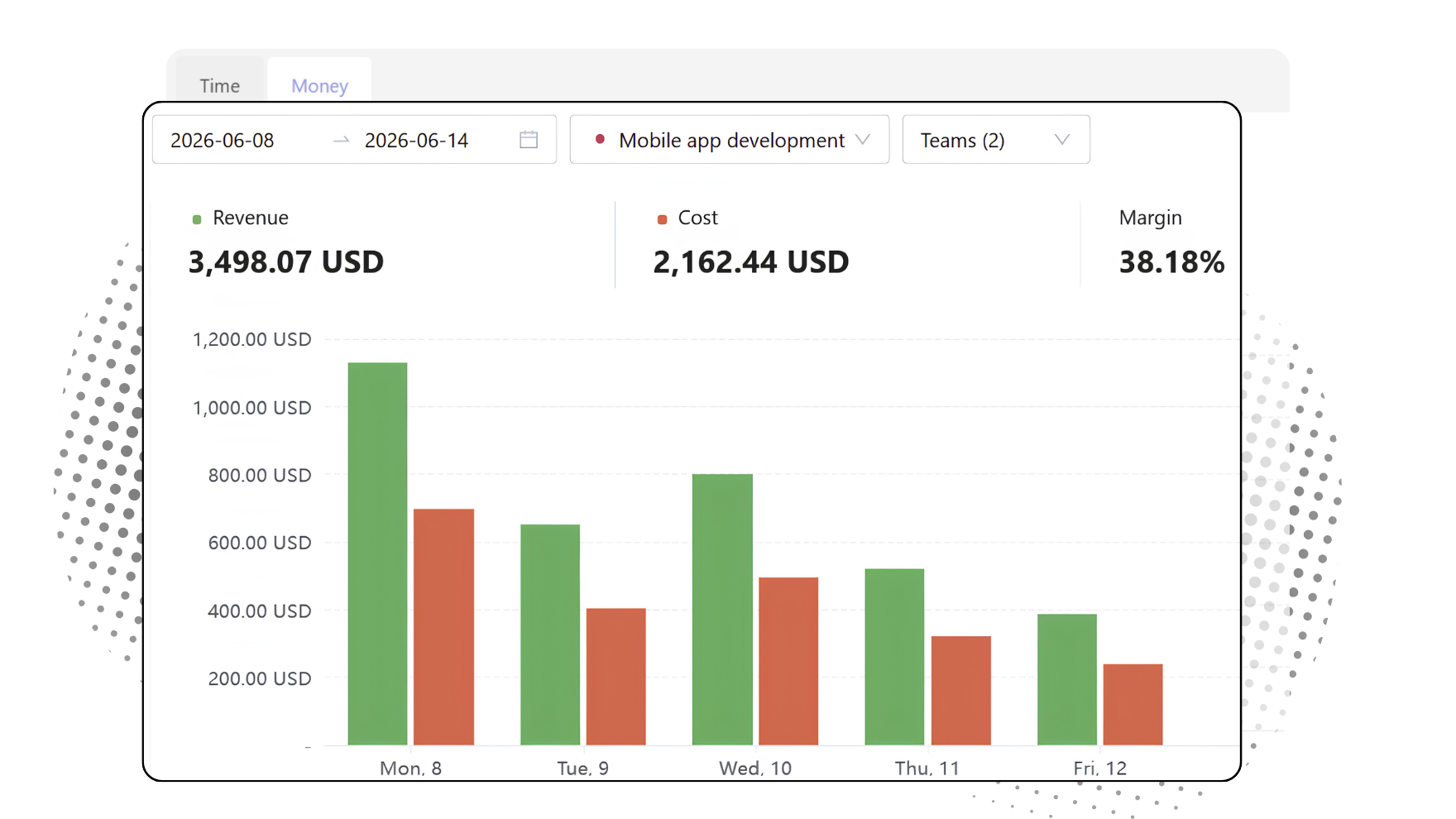
Time entries do not stay isolated. The same data flows into projects, timesheets, invoices, reports, capacity planning, and project financials. Track time once and use it across the rest of your workflow.
Work organized in time entries
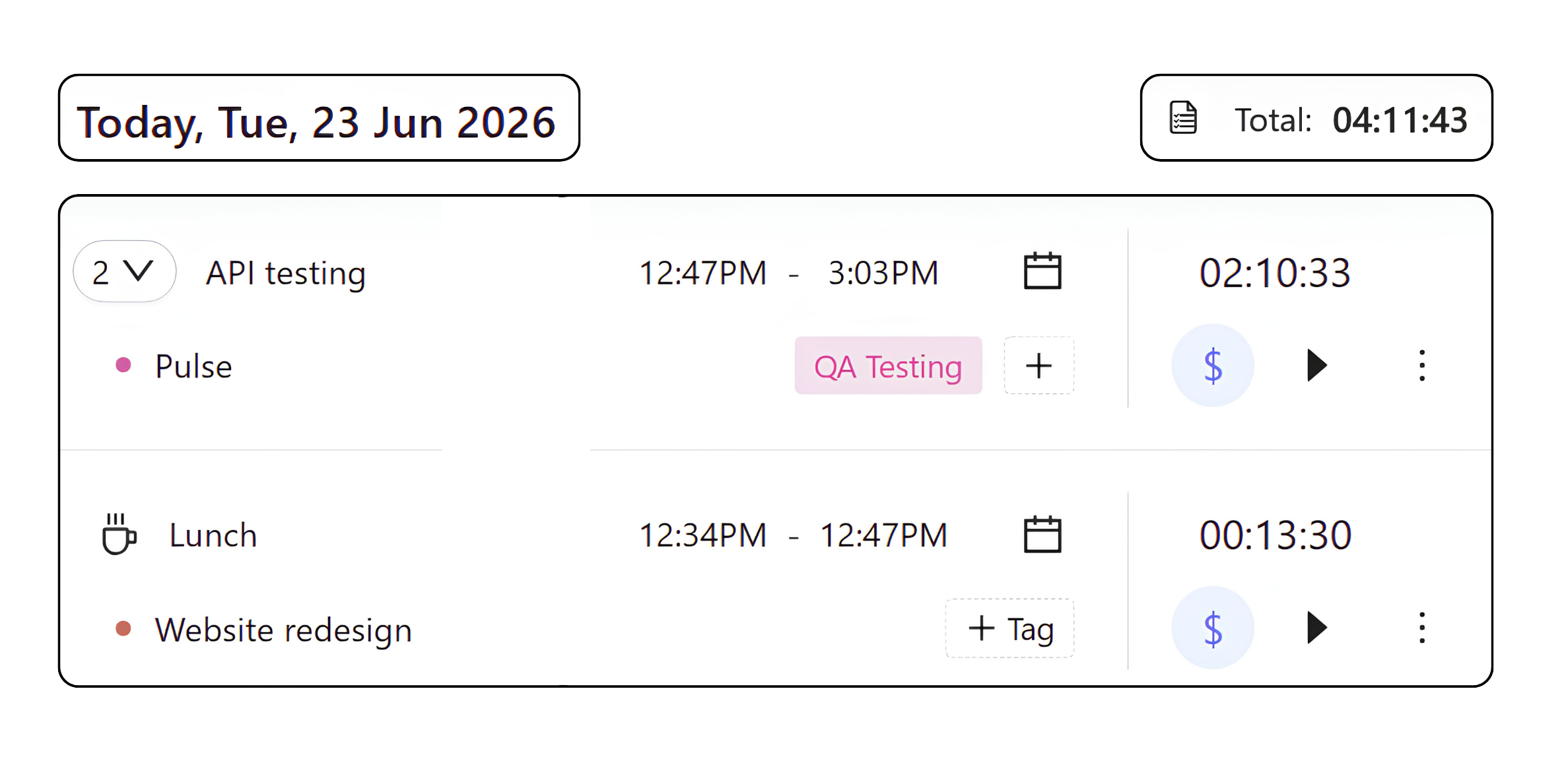
Time entries are grouped by day and organized by task and project. You can restart repeating work from a previous entry in one click, carrying over all context automatically.
Each entry shows start time, end time, and duration in a structured timeline.
Break time and manual entries appear directly in the timeline with simple visual markers.
FAQ
Your smart time tracking questions answered
How does break tracking work?
Traqq includes a dedicated break mode. Breaks appear separately in the time log and remain visible in reporting.
Can I edit or delete time entries?
Yes. Time entries can be edited or deleted until they are approved in a timesheet. After approval, they become locked.
Can I track non-project work?
Yes. Assigning a project is optional. Track time without assigning a project and review it separately in reports and dashboards.
Can I log time manually?
Yes. You can create time entries manually and specify the date, time, task name, project, billable status, and tags.
Can I restart a previous time entry?
Yes. Restart any previous time entry with a single click. Task, project, billable status, and tags carry over automatically.
Does Traqq integrate with other work tools?
Yes. The Traqq browser extension integrates with tools like Jira, Asana, Trello, Slack, Figma, GitHub, and others, allowing you to start tracking time directly from supported tasks, tickets, and work items.
Can I track time offline?
Yes. Traqq desktop apps allow you to continue tracking without an internet connection. Your time entries sync automatically once you are back online.
What is Smart time tracking?
Smart time tracking is available in Traqq desktop apps for Windows and macOS. Select non-work apps, and Traqq will automatically pause tracking when you switch to them and resume when you return to work.